Understand trial and billing
One-time trial
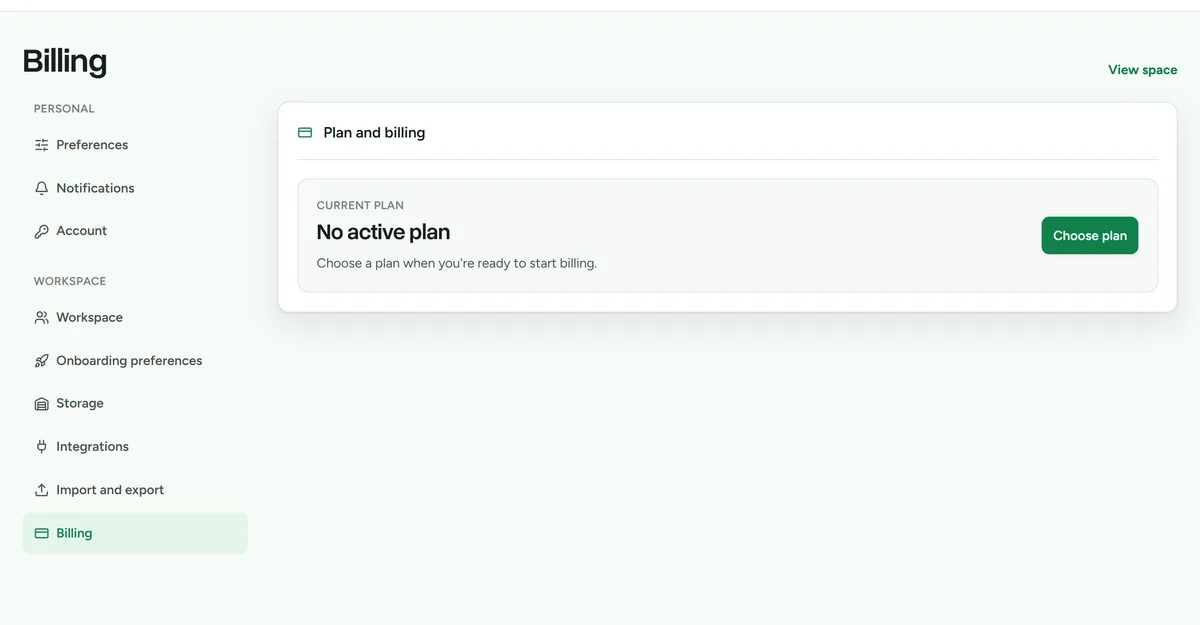 Billing settings, showing the current plan and trial state.
An eligible verified owner receives one 14-day product trial without entering a payment card. The trial starts with the first successful meaningful setup action, such as creating a location, tub, item, confirmed CSV import, or marketplace connection.
The trial does not start merely because an account was created. A member cannot start it before the verified owner does.
Choose or change a plan
- As the workspace owner, open Settings > Billing.
- Review the current access state and plan comparison.
- Choose a plan and billing interval.
- Complete payment through Stripe Checkout.
Opening Billing reconciles the displayed subscription state with Stripe. Payment-card details are handled by Stripe and are not stored by Deathpile.
Manage or cancel billing
Use the Stripe Customer Portal from Billing to update payment details or cancel. A scheduled cancellation keeps access until the end of the current billing period.
Read-only access
When a trial expires or paid access ends, operational changes are blocked. Inventory remains available to browse, search, export, and review while the owner chooses a plan or resolves billing.